
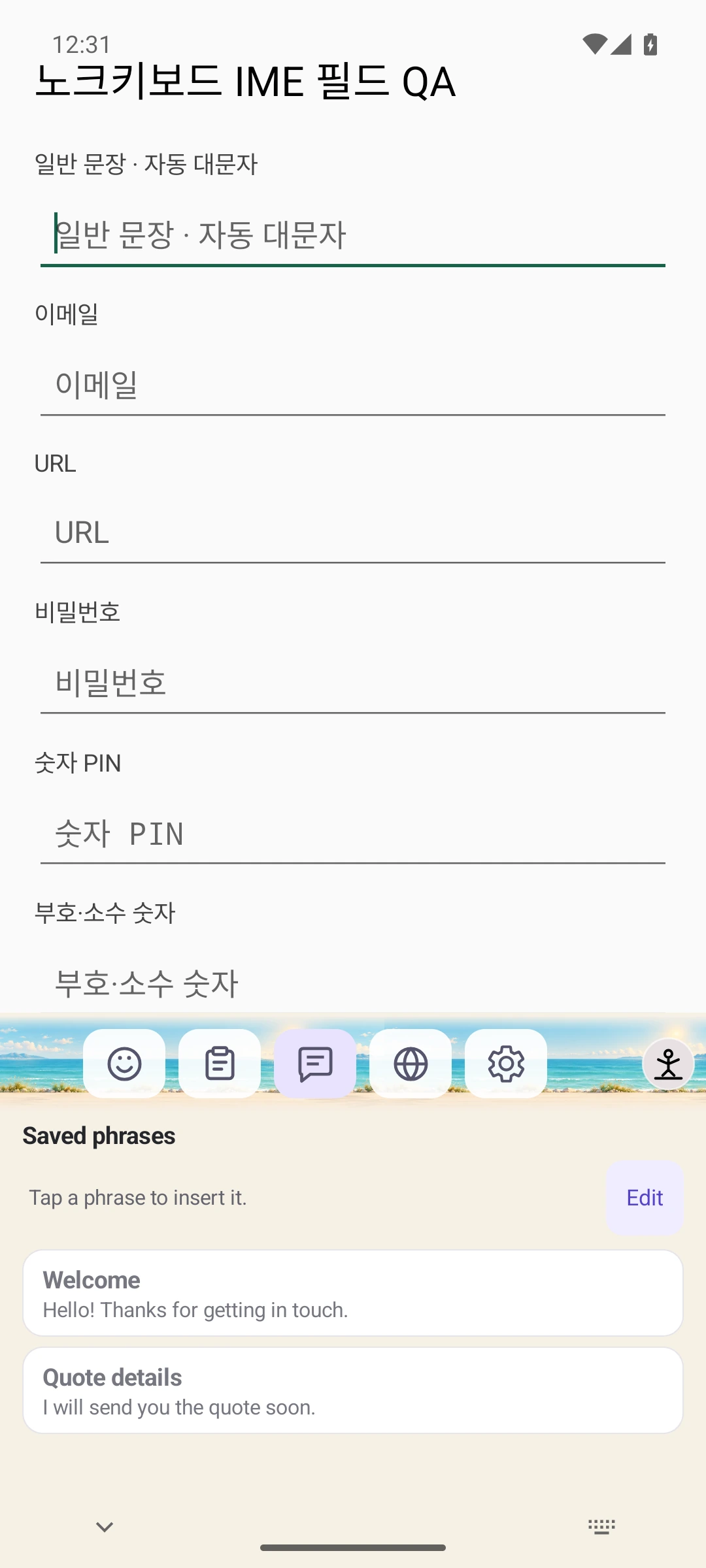
Your usual replies. One tap away.
From greetings to quote details, save a phrase and tap it on your keyboard to insert it.
 Knowch Keyboard
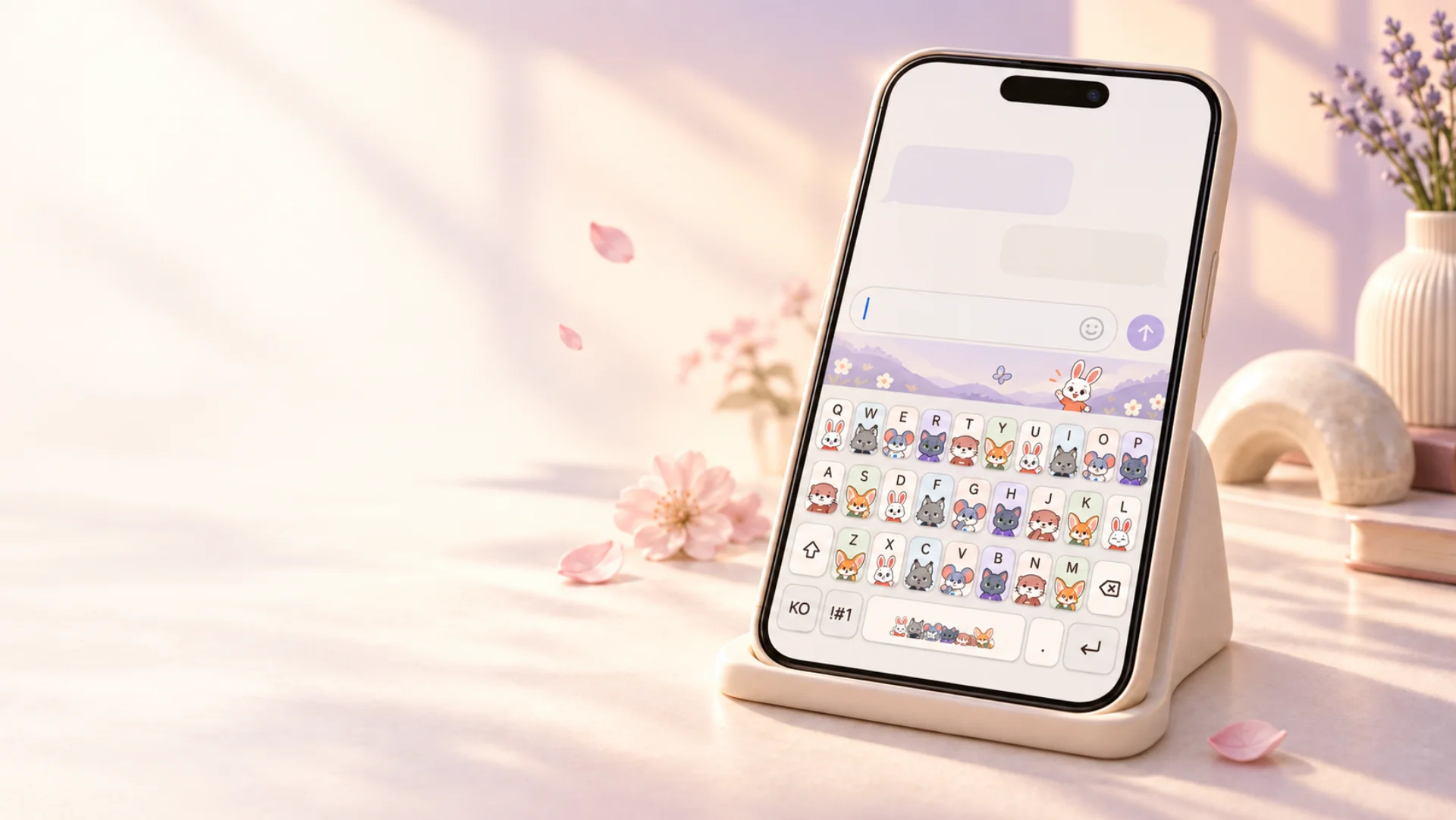
01 — DRESS YOUR KEYS
A favorite place. The colors you love. Make your everyday keyboard feel like you.

An interactive illustration of app features.
Choose a look. Feel the difference.
A little escapeIllustrative Skin previews. Some artwork is a design concept.A different look. A little more you.
02 — A LITTLE COMPANION
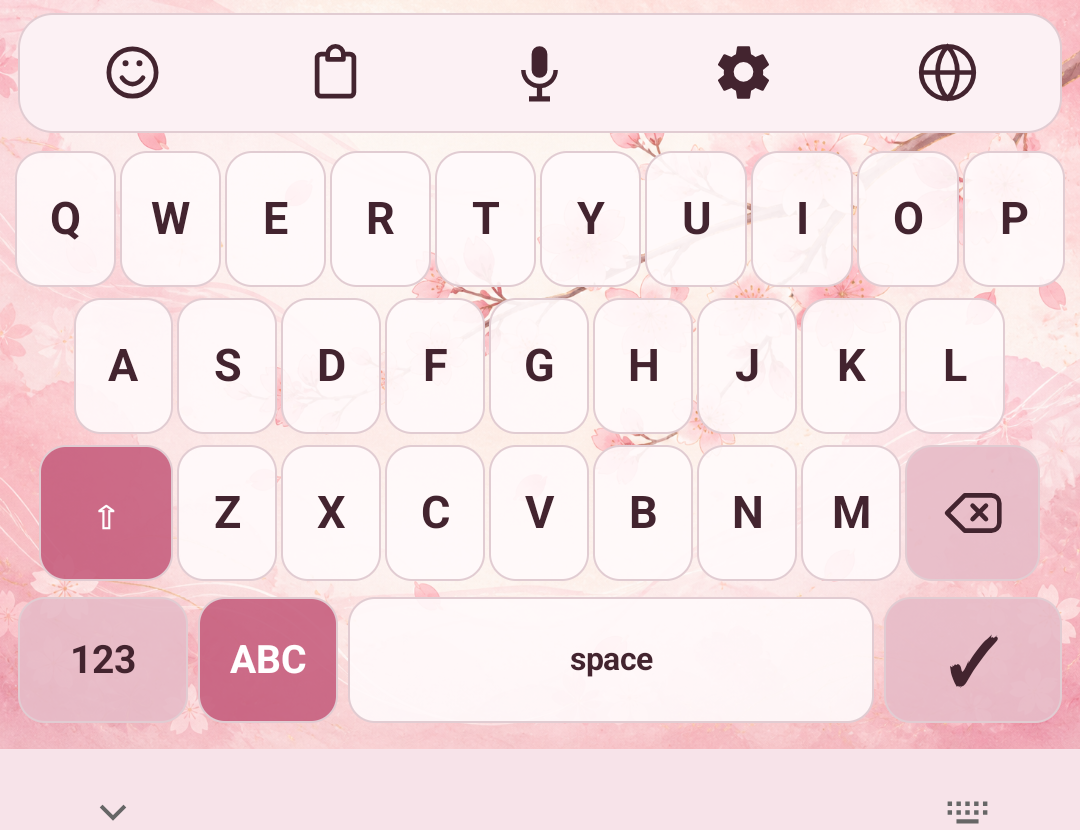
A little runway, full of personality. Tap your Mate and watch it grow closer, turning your keyboard into a special stage.
Dances, greetings and playful moments. Every Mate is different.
Tap to reveal a bigger moment over your keyboard.
Your Mate returns when the moment is over.
An interactive illustration of app features.
03 — SET THE SCENE
Give your Mate somewhere lovely to spend the day. Pair a scene with your favorite Skin and make the stage your own.

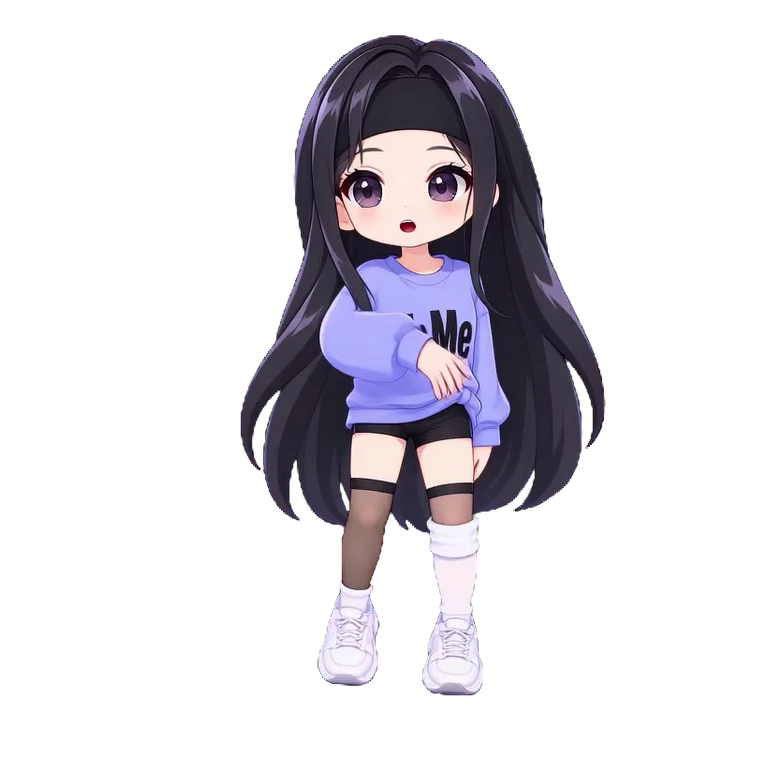
Loading scenes
Find a scene in the appChoose and apply Mate backgrounds in the app.
04 — YOUR TYPE
Crisp, soft, or handwritten. A different keyboard font gives the same Skin a whole new personality.
Loading font samples
Previews of published fonts. Choose a font for your supported characters in the app.
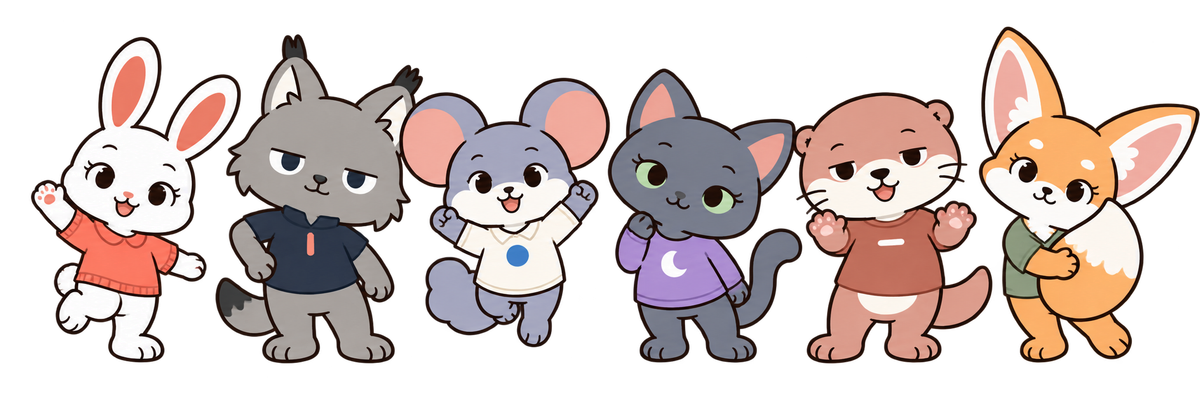
SAY HELLO TO KNOWCH FRIENDS
A wave, a little mischief, an occasional dance. One more reason to smile at the keyboard you use every day.
FRESH FINDS, YOUR WAY
New skins, little friends and scenes for your keyboard. Start with something you love.
ONE KEYBOARD, EVERY DAY
Save your usual replies, revisit copied text, and choose the input style that feels right.
From greetings to quote details, save a phrase and tap it on your keyboard to insert it.
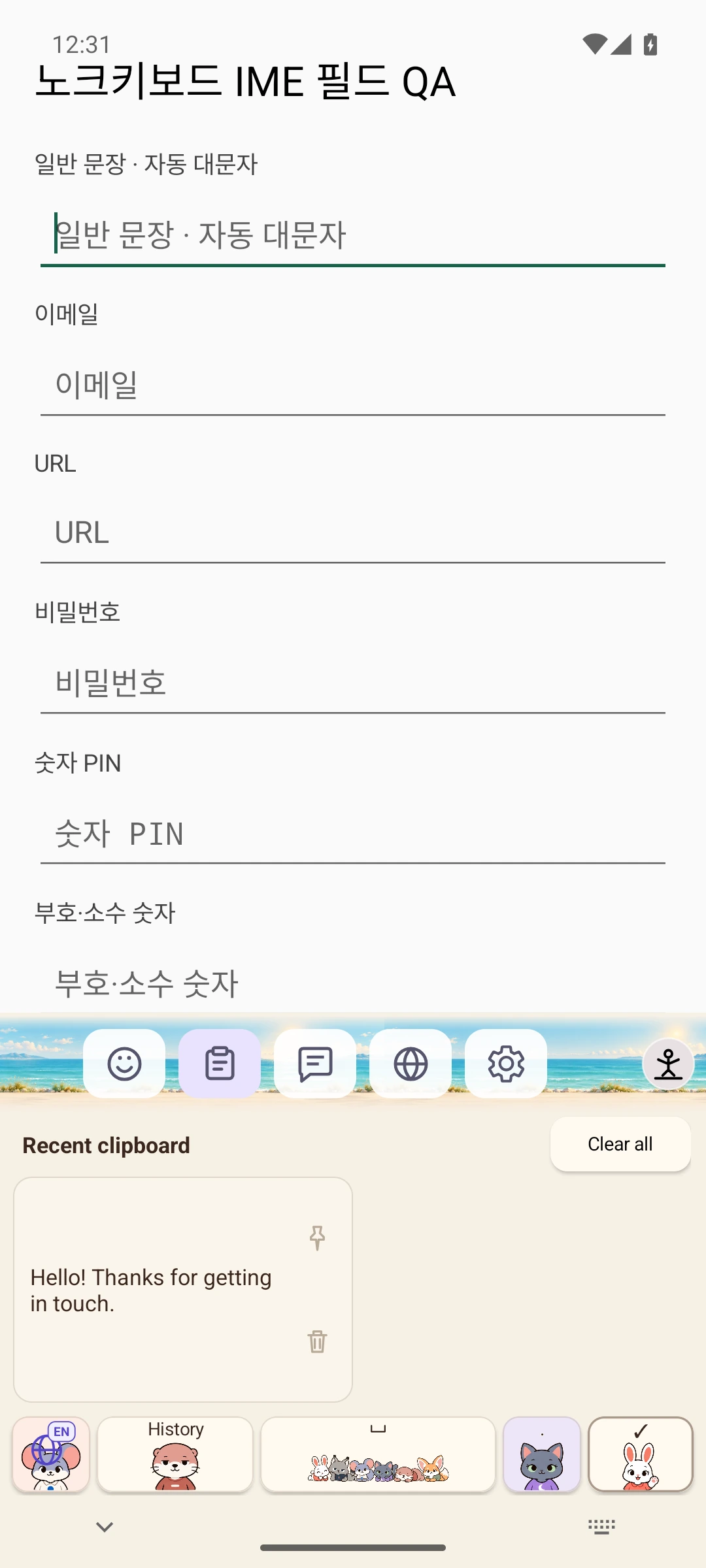
Reuse recent copies and pin the items you need often.
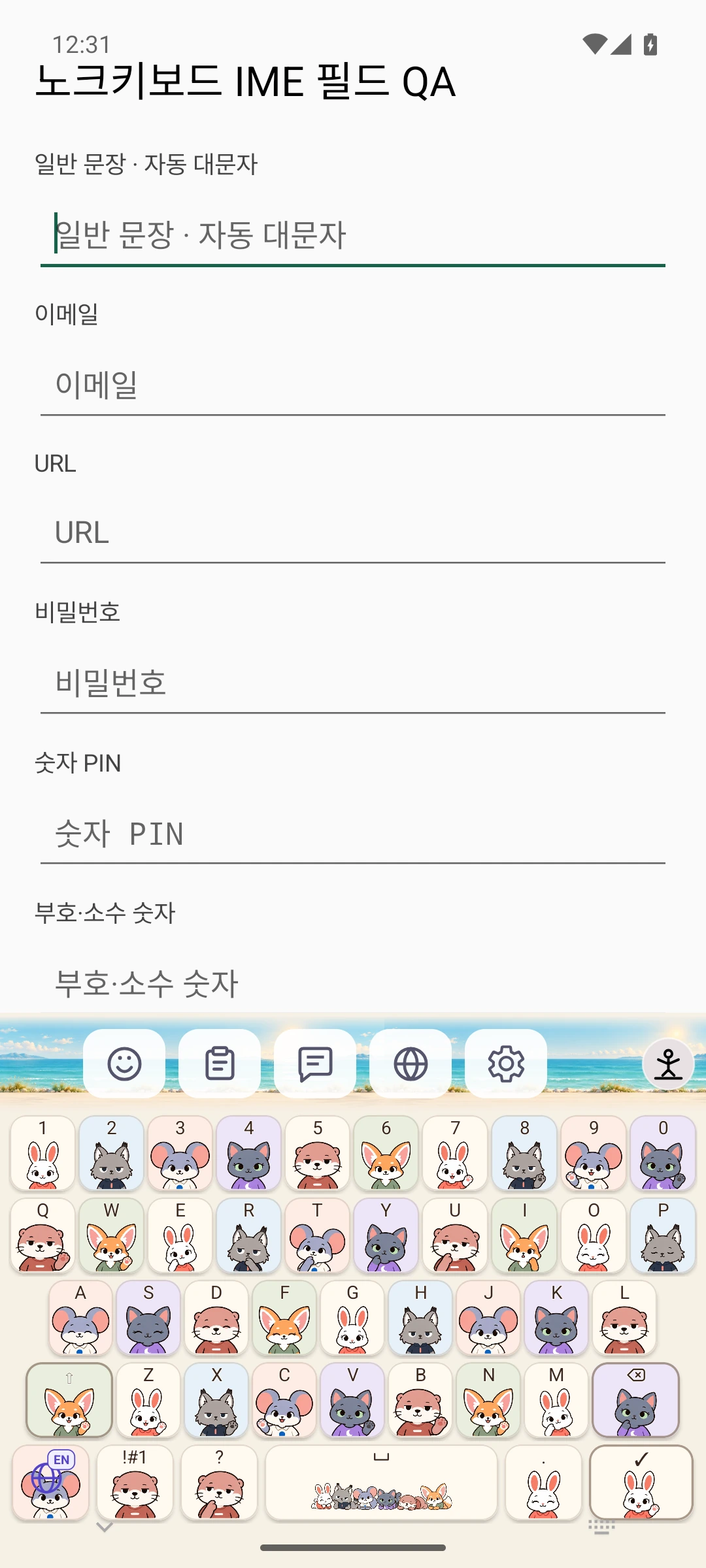
Korean, English, Japanese and Vietnamese. Choose a comfortable layout for each language.
Clipboard history is saved only when you turn it on.
Input styles
Your familiar English keyboard.
Choose letters with directional flicks on 12 keys.
Choose letters by tapping a 12-key button repeatedly.
Choose a language to explore its input styles.
HOW IT WORKS
Enter the Japanese sound in Hangul
Read and rank local candidates
Choose hiragana, katakana, or kanji
PRIVATE BY DEFAULT
Typing, core conversion, and candidate learning run on device. Network access is limited to entitlements, dictionaries, skins, updates, and optional notifications.
FAQ & SUPPORT
Loading…
SERVICE GUIDE
Updates, purchases, privacy, and data deletion—everything you need in one place.
ANDROID · iPhone
Find your style on Android or iPhone. Get Knowch Keyboard from Google Play or the App Store.